
 Purchase this course and get



Structure
Quarterly registration
Availability
Complete anytime within a quarter
Duration
40 hours
Total Hours
40 hours
Start Date
1 October 2026End Date
31 December 2026
Mode
Self-paced learningCourse Overview
The Intro to Excel: Data Analysis & Visualisation short course will help you improve your data management skills.
Equip yourself with foundational knowledge to capture, analyse, interpret and visually present data effectively using Microsoft Excel.
The Intro to Excel: Data Analysis & Visualisation short course provides a structured introduction to the principles and techniques of data handling, suitable for anyone aged 18 to 60 who is seeking to strengthen their analytical capabilities.
Over 40 hours of guided learning, learners will be introduced to Excel basics so they can utilise its suite of essential tools to organise and visually represent data. Learn how to use Excel for data analysis and dashboard creation, turning complex numbers into streamlined, meaningful, and usable insights.
Discover the value of Excel’s interface, features and functions and build practical skills to enter, organise and maintain accurate data for professional reporting using charting and visual dashboard features.
What You’ll Learn
Through course videos, readings and discussions, you will explore the following topics:
Excel Basics
- Navigate Excel’s interface and identify its key components.
- Enter different types of data accurately and use AutoFill.
- Customise settings and manage workbooks efficiently.
Essential Functions and Formulas
- Apply basic statistical functions (e.g., MAX, MIN, AVERAGE).
- Use logical functions (e.g., IF, SUMIF) and absolute/relative references.
- Handle large datasets using features like Freeze Panes and Text to Columns.
Data Analysis and Visualisation
- Analyse data using sorting, filtering, and conditional formatting.
- Create pivot tables and use them to summarise data.
- Design and customise charts (bar, pie, line) for effective data.
Advanced Analysis and Dashboard Creation
- Clean and transform data using Power Query.
- Create dynamic dashboards using pivot charts, slicers, and sparklines.
- Prepare data for presentation and reporting, using best practices for layout and design.
Course Outcomes
By the end of this short course, you will be able to:
Enter and format base data
- Identify key components of the Excel interface.
- Navigate workbooks and worksheets with confidence.
- Enter and edit various types of data accurately.
- Apply basic formatting and layout options to improve readability.
- Set up Excel documents for print and presentation.
- Begin to craft a cumulative Excel workbook with a base dataset.
Apply functions and clean fields
- Use statistical and logical functions to derive new insights from data.
- Clean text fields using formula-based tools.
- Distinguish between types of cell referencing and use them appropriately.
- Manage large datasets with split views and frozen panes.
- Apply formulas to real-world datasets with accuracy and clarity.
Summarise data and visualise it
- Create pivot tables to analyse and summarise data.
- Use lookup functions to connect and query data.
- Apply charting tools to design bar, line, and pie charts.
- Customise visualisation elements for effective communication.
- Evaluate insights from visual and tabular data outputs.
Create and polish a dashboard
- Clean and transform data using Power Query.
- Design and format a professional dashboard using Excel.
- Use slicers, sparklines, and navigation tools to enhance user interaction.
- Apply layout principles to visual reports.
- Present a completed, integrated workbook for a specific data story.
Certification
Upon completion, you will receive a digital certificate of completion. This certificate verifies your newfound knowledge and skills.
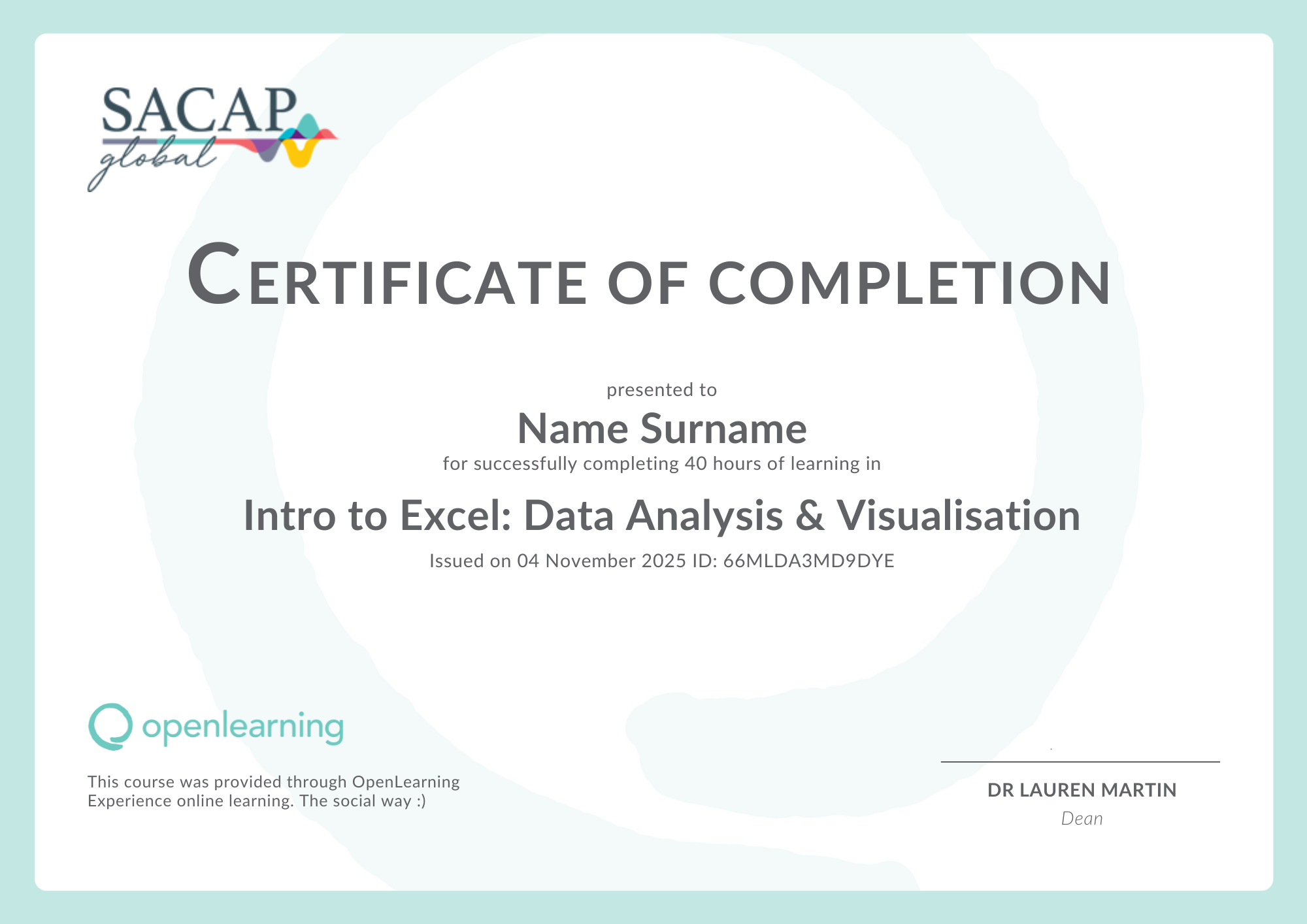
The Intro to Excel: Data Analysis & Visualisation short course has been designed and developed by experts in the field of future skills. The course is for anyone who needs to upskill in this area and offers +/- 40 hours of learning.
Dates and Registration
- Class of 2026 Oct-Dec: 1 October – 31 December
- Class of 2027 Jan-Mar: 1 January – 31 March
Short course classes are on demand, allowing you to register at any time and move through course content at a time that suits you. Learners will have access to the course for the class period they choose when registering.
Course highlights

-

Gain technical proficiency in Microsoft Excel.
-
Practical skills in data management, analysis and visualisation.
-
Tools to organise and visually represent data.
FAQs
What are the entry requirements?
Anyone 18 years of age or older can sign up for this short course. There are no academic entry requirements or conditions.
Who is this course for?
This course is designed for anyone looking to build practical Excel skills. You’ll learn how to efficiently input, manage, and analyse data in Microsoft Excel, gaining hands-on experience from basic data entry to advanced data visualisation.
What is the time commitment?
A total of 40 hours is required to complete the short course.
What do you need to do the course?
- Access to Microsoft Word
- Google Chrome (recommended)
- Stable internet connection
Is the short course assessed?
This short courses is not assessed.
Is the short course accredited?
This short course is non-credit bearing and not accredited.
What is Microsoft Excel?
Microsoft Excel is a spreadsheet application that offers formatting and calculating features. Excel serves multiple functions in businesses and personal daily activities, such as data entry, analysis, and reporting. Excel’s structure organises data in columns and rows within a grid, which aids data manipulation and computation.
The Team
The SACAP Global team brings a wealth of knowledge and practical experience across various disciplines. Our expert short course developers and dedicated support team are passionate about sharing their insights to help you get the most out of your online learning journey.
















R3,360.00
Start Date
AnytimeEnd Date
End of your selected quarter-
 Register now. Pay later. 0% Interest.Split into interest free payments.
 -
 Scan to pay.Scan the QR code to pay.
 -

 Credit and debit card.Pay using your credit or debit card.
 -
 Visa Click to Pay.Pay with credit, debit or prepaid card.